Publish and Share Audit Reports
One flag turns your audit into a shareable link. Public, unlisted, or private, your call.
 Nik Cubrilovic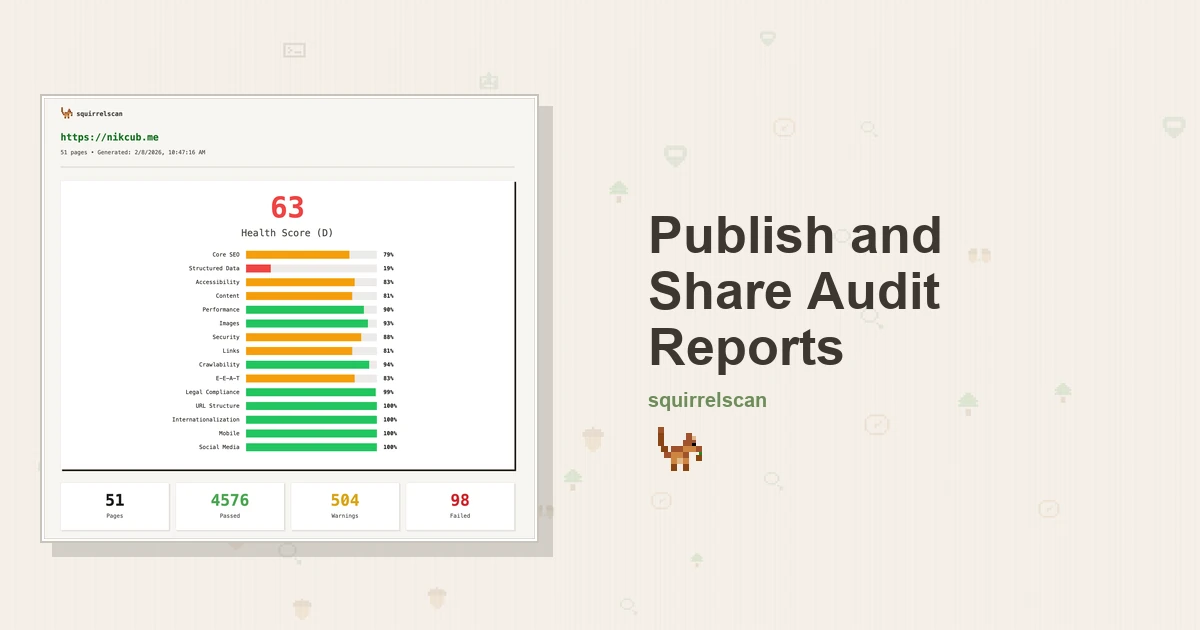
Sharing reports has been one of the most requested features, so we built it. There's also a new user dashboard here on squirrelscan for managing your reports. Share results with your team, the public, on social media, or with your coding agent (more on that below). All from the squirrel CLI.
How it works
Publish a new audit directly:
squirrel audit example.com --publishOr publish an existing report:
squirrel report <id or website> --publishYou get back a URL at reports.squirrelscan.com. Send it to whoever needs to see it.
https://reports.squirrelscan.com/yJGb5mHKIK
Here's what a report looks like
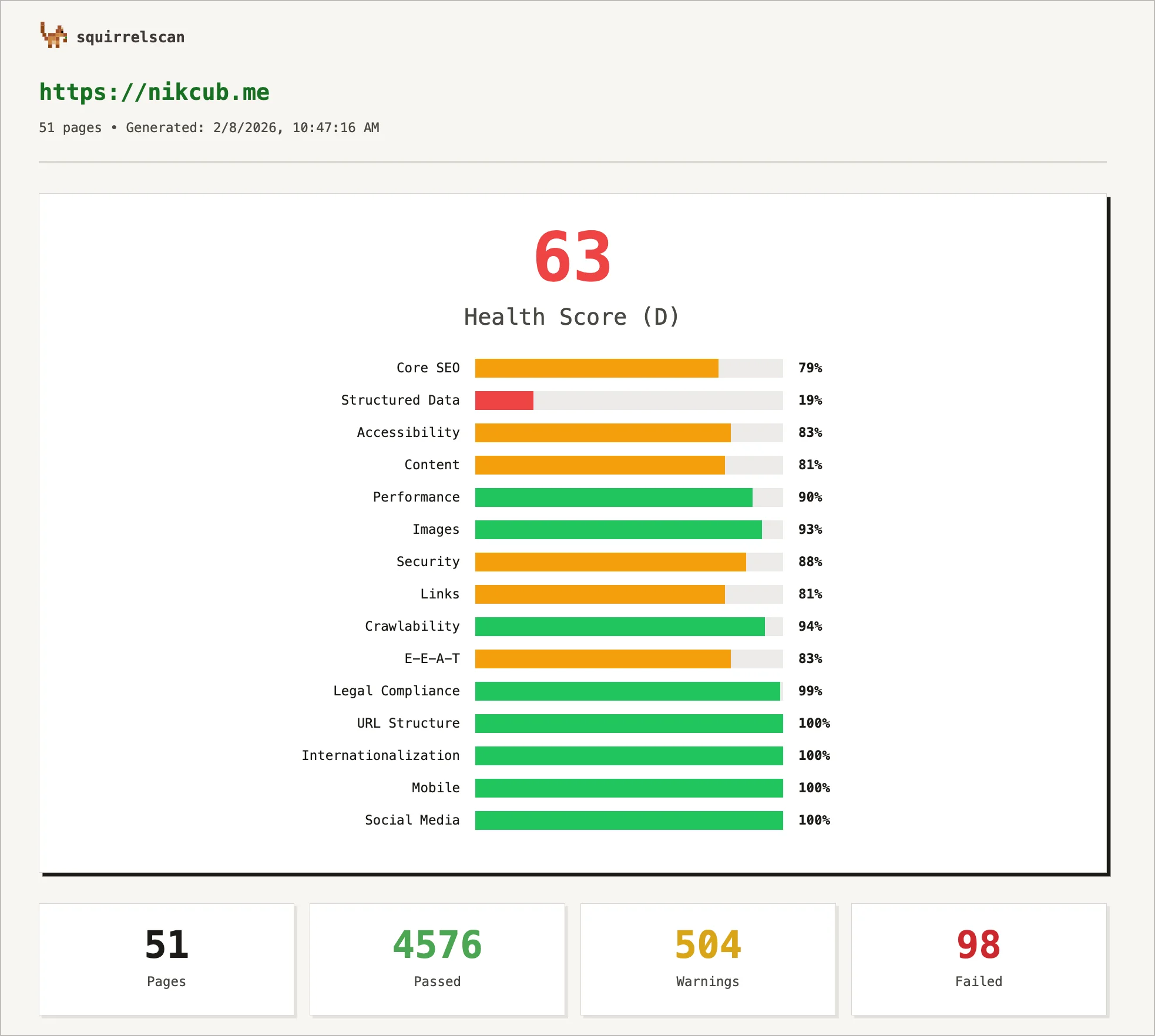
Here's a published report for nikcub.me:
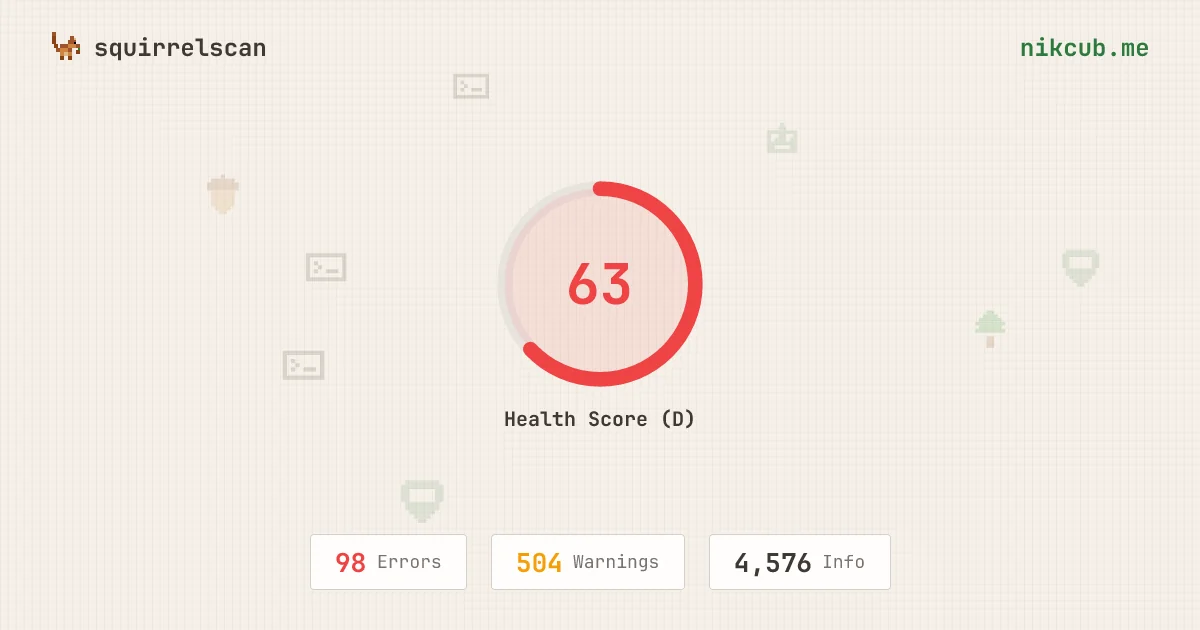
Paste the link anywhere that unfurls URLs and the OG card shows up automatically:
I really need to fix my own website, but it's serving as an example site for now.
What's in a published report
Everything from your audit, rendered as an interactive web page. Health score, page count, full issue breakdown with severity levels. You can expand issues, filter by category, drill into individual pages.
Reports also get an auto-generated OG image. Drop the link in Slack or Twitter and it unfurls with the score and site URL. No setup on your end.
The report looks the same whether you're viewing it yourself or sending it to a client.
Visibility
Not everything needs to be public. Three options:
# Public (default)
squirrel report <id> --publish

# Unlisted: anyone with the link can view, but not indexed
squirrel report <id> --publish --visibility unlisted

# Private: only you
squirrel report <id> --publish --visibility private
Public is the default. Most of the time you're sharing a report to show someone a problem or prove you fixed it. Auditing a client site and don't want it indexed? Use unlisted. Private is there if you just want to view it yourself from another device.
Change visibility anytime from the dashboard.
So we had to build a dashboard
Publishing reports meant we needed somewhere to manage them. So squirrelscan now has a user dashboard at app.squirrelscan.com. It's the first version and more features are coming here.
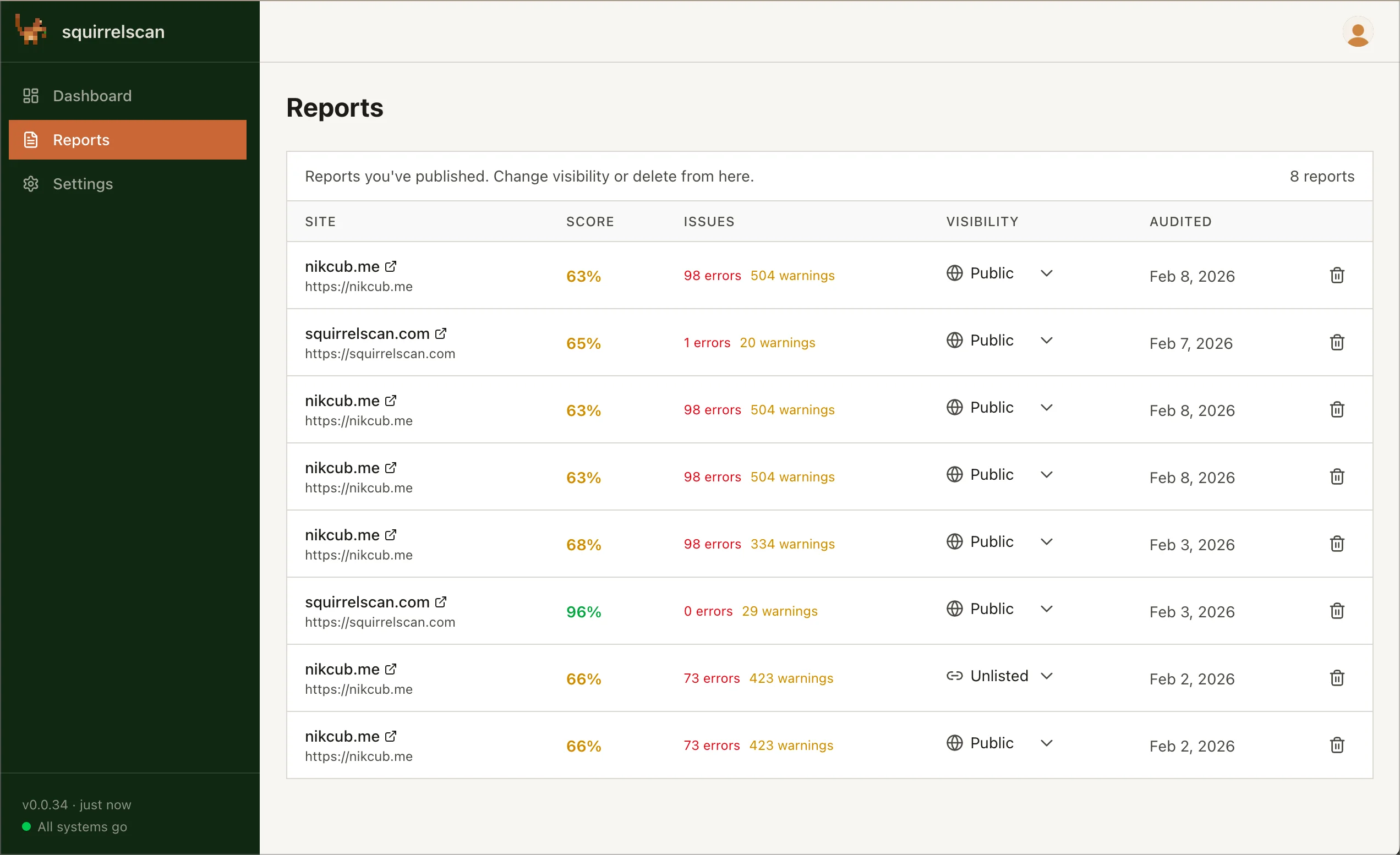
For reports, you can change visibility, delete old ones, and grab share links. Everything you've published is listed with timestamps and view counts.
There's also user management in the dashboard now. Update your profile, manage your auth tokens, and check which devices are logged in. This is all stuff that didn't exist before because squirrelscan was purely a CLI tool with no account system.
From the CLI you can still manage reports too:
squirrel report --listThat shows published status and URLs inline with your local reports. Full flag reference is in the squirrel report CLI docs.
Getting started
Log in first if you haven't:
squirrel auth loginOpens your browser, you sign in, and it hands the token back to the CLI. Takes a few seconds.
Then just publish:
squirrel audit https://your-site.com --publishShare with your coding agent
The HTML view is just the default browser version of a report. Each published report also serves markdown, JSON, and LLM-optimized output based on request headers. Paste a report URL into a coding agent and it'll get the LLM-optimized version automatically.
This means you can share audit context with an agent just by giving it the link. Your agent audits a site, publishes the report, and the URL becomes a reference it (or any other agent) can consume later. Stick it in commit messages, PR descriptions, issue comments, wherever. It's the same loop described in using an AI agent to fix what an audit finds, just starting from a link instead of a fresh crawl.
I've been using this with Claude Code to audit sites and then drop the published link into Linear issues. Saves a lot of back-and-forth with screenshots.
We'll be expanding this in the future with more to come. The idea is that published reports become a way to share the full context of an audit with coding agents, not just a link to a web page.
Go
squirrel auth login
squirrel audit https://example.com --publish
Questions or bugs? File an issue or find us on Twitter.